Photo tips for your bicep heart
One clear portrait is all you need.
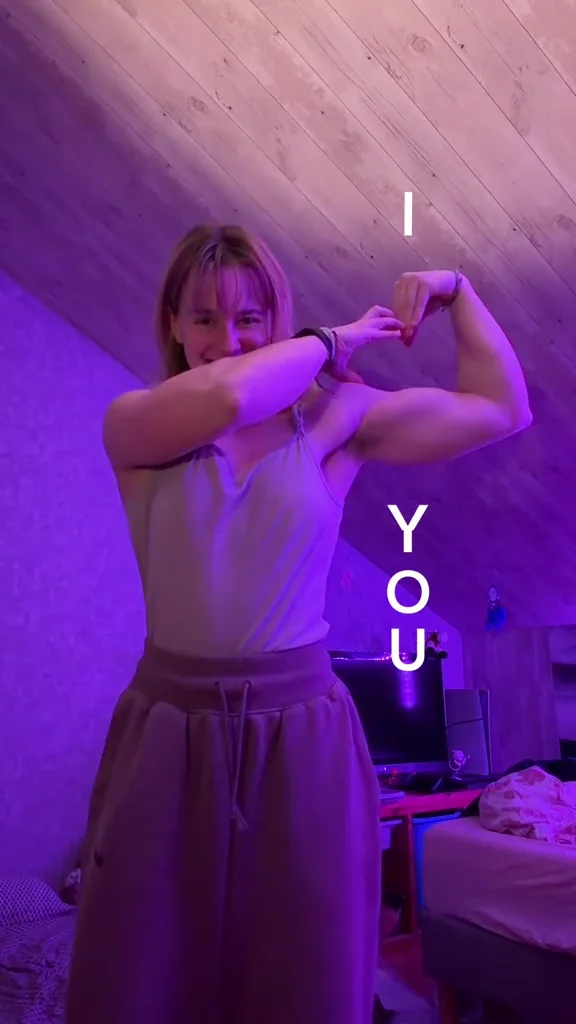
Use one clear photo of an adult who has agreed to appear. Choose even light, a visible face and enough of the upper body to show the outfit. Avoid blurred faces, heavy filters and group shots.
Upload a JPG, PNG or WebP, up to 10 MB and at least 300 pixels wide. You can select a file, drag it into the uploader, or scan the desktop QR code to send a photo from your phone. A pairing lasts five minutes and accepts one photo.
The selected photo first appears as a local preview. Phone transfers use our temporary transfer service. Neither previewing nor transferring starts a paid generation.
Submitting a generation sends the portrait and fixed reference clip to our AI provider. Confirmed upload or generation failures return the reserved video credit. Audio processing can be retried at no extra cost. If a task status is unclear, contact support with the task ID before starting another generation.