Make your bicep heart video
Nov 3, 2026Bicep Heart AI
Upload, generate, download and share.
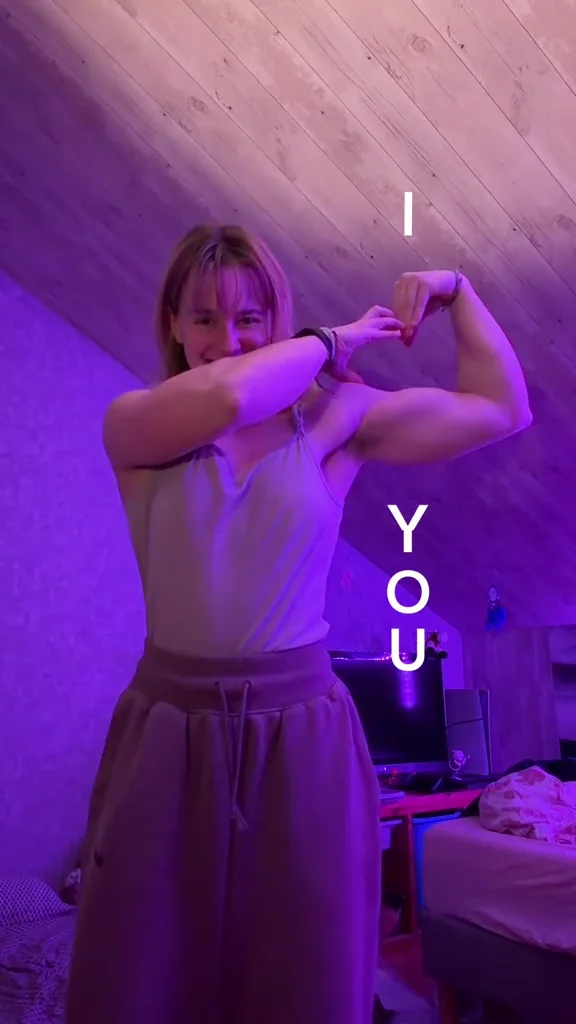
- Pick one photo. Choose a clear portrait with a visible face and upper body.
- Generate your heart. Sign in, confirm permission and use one video credit.
- Send a smile. Download the finished MP4 from My videos and share it with friends.
Each result is a 7-second, 720p, 9:16 video with music. The example on the homepage is the reference clip, not a personalized result. Your portrait guides appearance while the clip guides the playful flex and heart gesture. AI results can vary.
Packs contain 1, 5 or 10 credits, paid once with no subscription. Unused credits do not expire. See the current prices.
Submitting a generation sends the portrait and fixed reference clip to our AI provider. Confirmed upload or generation failures return the reserved video credit. Audio processing can be retried at no extra cost. If a task status is unclear, contact support with the task ID before starting another generation.